Make the tools discoverable
AI and development tools are presented as distinct entry points.
Why this decision?
People need to recognise the tool relevant to their current task.
Education & AI
Helping builders find their next starting point.
An Arabic web concept connecting project registration, an integration catalogue, and tools for developing an idea.
Explore the story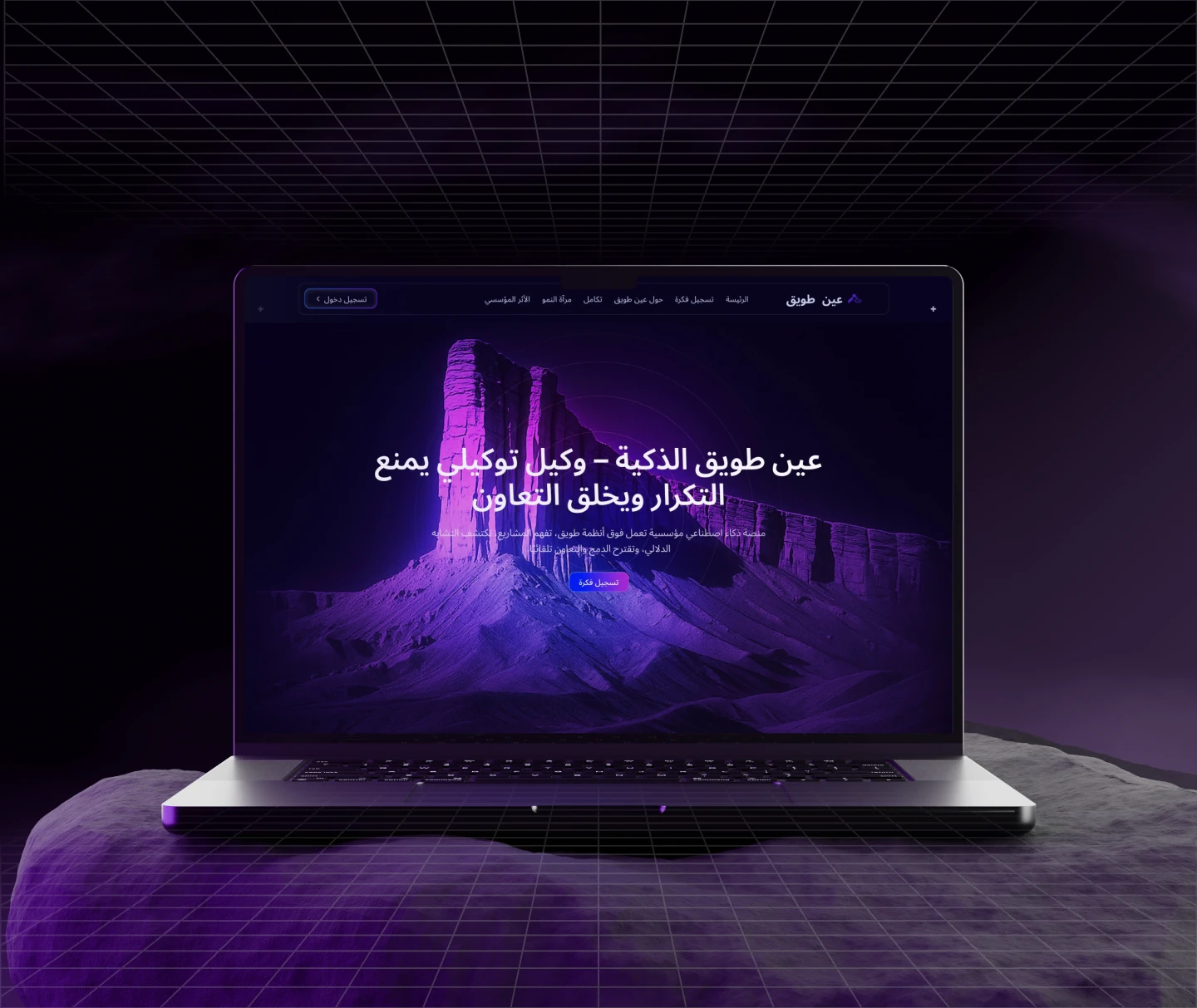 Responsive web concept
The problem, contribution, key decisions and experience. Switch to Full story for more detail.
UI/UX Designer · Interface design
Responsive web concept
Education & AI
Web interface
THE STORY IN 30 SECONDS
MY CONTRIBUTION
My focus in this project was the user experience and interface design.
THE PROBLEM
Ayn Tuwaiq explores an Arabic project workspace with a catalogue of AI and development tools, a project-registration flow, and a distinctive purple visual identity.
How can an educational workspace make its tools and starting points easy to recognise?
BEFORE THE SOLUTION
Challenge and solution framing
Web interface structure
High-fidelity design
KEY PRODUCT DECISIONS
AI and development tools are presented as distinct entry points.
People need to recognise the tool relevant to their current task.
Course-information entry has its own focused interface.
A clear starting context supports the rest of the workspace.
PRODUCT EXPERIENCE
A landing page introduces the educational concept.
Provide information through a dedicated project screen.
Move into the project workspace.
The integration catalogue and growth-mirror workspace organise distinct tools and ways to develop a project.
Select a screen to view it larger.
A registration form captures project information. The duplicate-project state explains what needs attention before continuing.
Select a screen to view it larger.
OUTCOMES & REFLECTION
A cohesive Arabic educational web concept
A distinctive dark and purple visual system
The next question to test: can someone find the right learning tool without needing to understand the entire workspace?