Start with the project context
The opening workspace presents projects as recognisable cards.
Why this decision?
Footage review starts with knowing which production the material belongs to.
Film technology · AI
A clearer view of visual quality.
A film-production interface that brings projects, footage analysis, and visual findings into one workflow.
Explore the story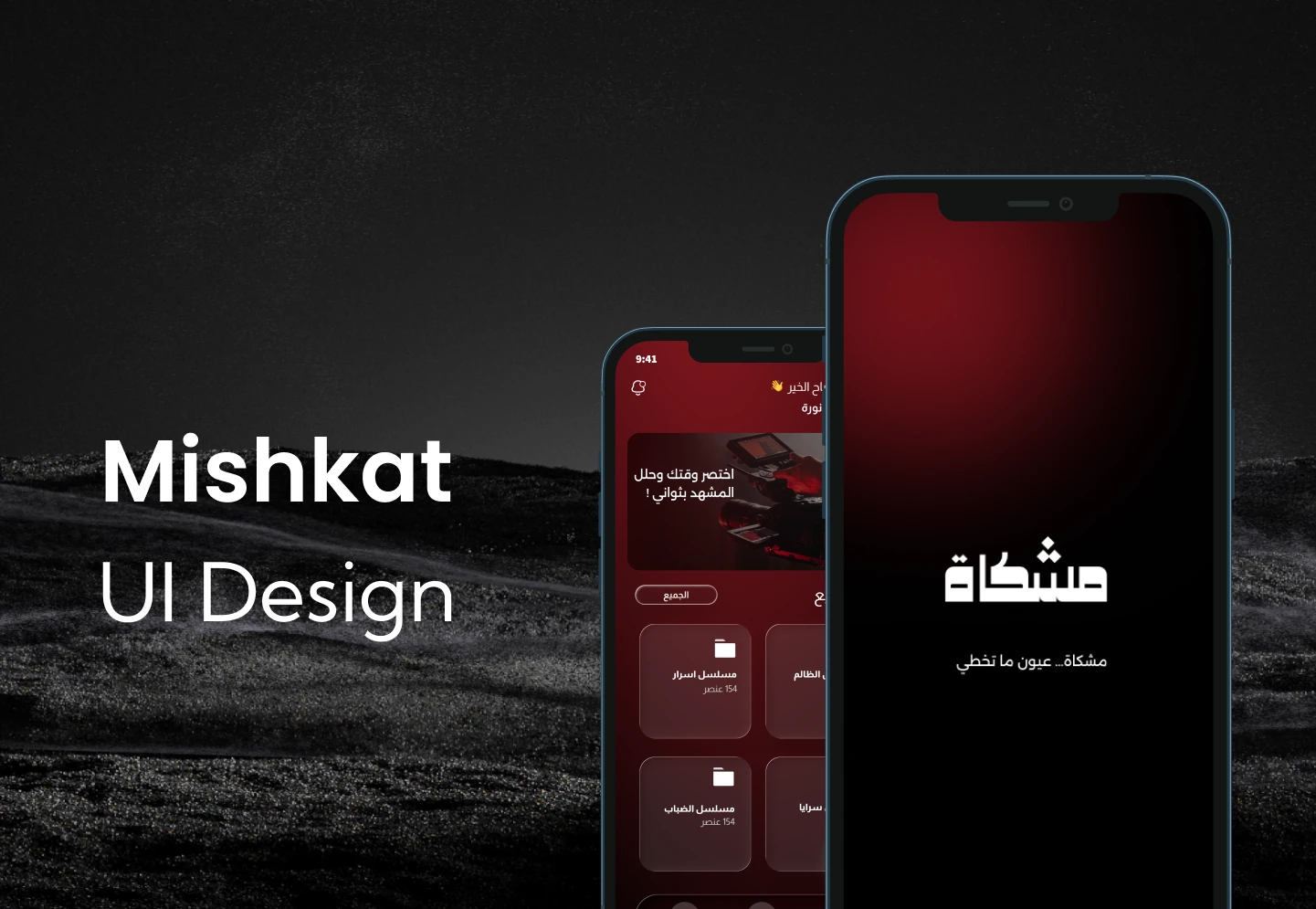 Mobile app
The problem, contribution, key decisions and experience. Switch to Full story for more detail.
UI/UX Designer · Interface design
Mobile app
Film technology · AI
Product interface
THE STORY IN 30 SECONDS
MY CONTRIBUTION
My focus in this project was the user experience and interface design.
THE PROBLEM
Mishkat’s mobile interface supports a film workflow: enter a project, select material for analysis, and inspect a visual finding. The supplied design explores how this sequence can be presented in a focused Arabic experience.
How can a visual finding become a clear next step for someone reviewing production footage?
BEFORE THE SOLUTION
Project overview
Workflow structure
High-fidelity screens
KEY PRODUCT DECISIONS
The opening workspace presents projects as recognisable cards.
Footage review starts with knowing which production the material belongs to.
Choosing material and reading an analysis result happen on distinct screens.
Each screen supports a focused task within the review workflow.
The result screen pairs a marked image region with a written explanation.
A visual issue is easier to interpret when its location and explanation stay together.
PRODUCT EXPERIENCE
FROM MATERIAL TO MEANING
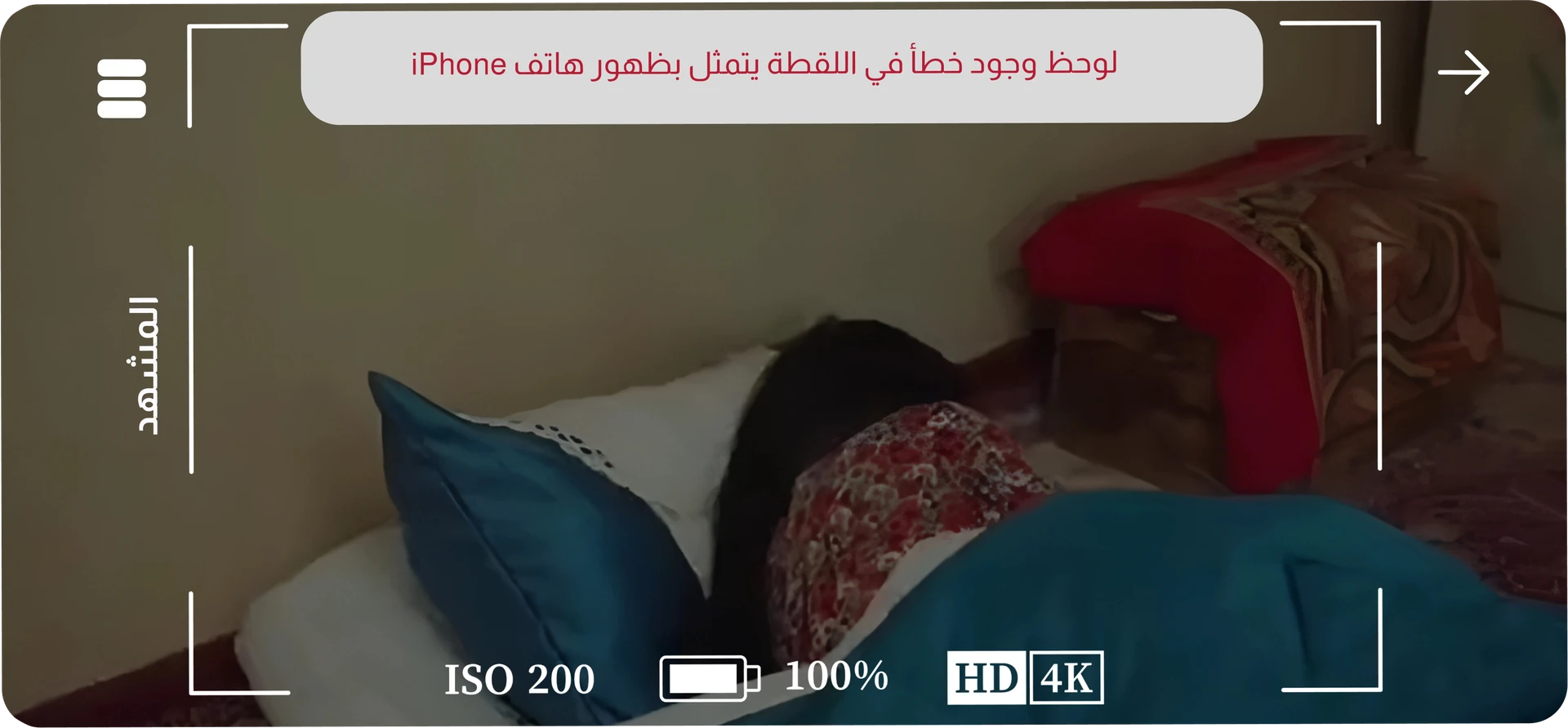
The monitoring interface keeps the material in view.
Two original workflow states from the interface design.
An Arabic project overview provides the starting point.
A selection screen organises material for analysis.
An annotated image and explanation frame the analysis result.
The entry sequence establishes the film context before opening the project workspace.
Select a screen to view it larger.
A project provides context. Upload and scene selection then narrow the task to the material being reviewed.
Select a screen to view it larger.
The monitoring view provides the visual context. The result pairs an annotated region with an explanation.
Select a screen to view it larger.
OUTCOMES & REFLECTION
A focused project-to-analysis interface
Arabic screens designed around a film-production context
A visual result presentation that combines annotation and explanation
The next question to test: can a reviewer understand a finding, its importance, and the action it calls for without extra explanation?